Keep the small things close
Control your music, keep files on the shelf and find something you copied without leaving what you're doing.
Music, files, clipboard history and everyday utilities, right in your MacBook notch. Built around one rule. Nothing runs when it isn't needed.
Requires macOS 26 or later. Installation details are in the release notes.
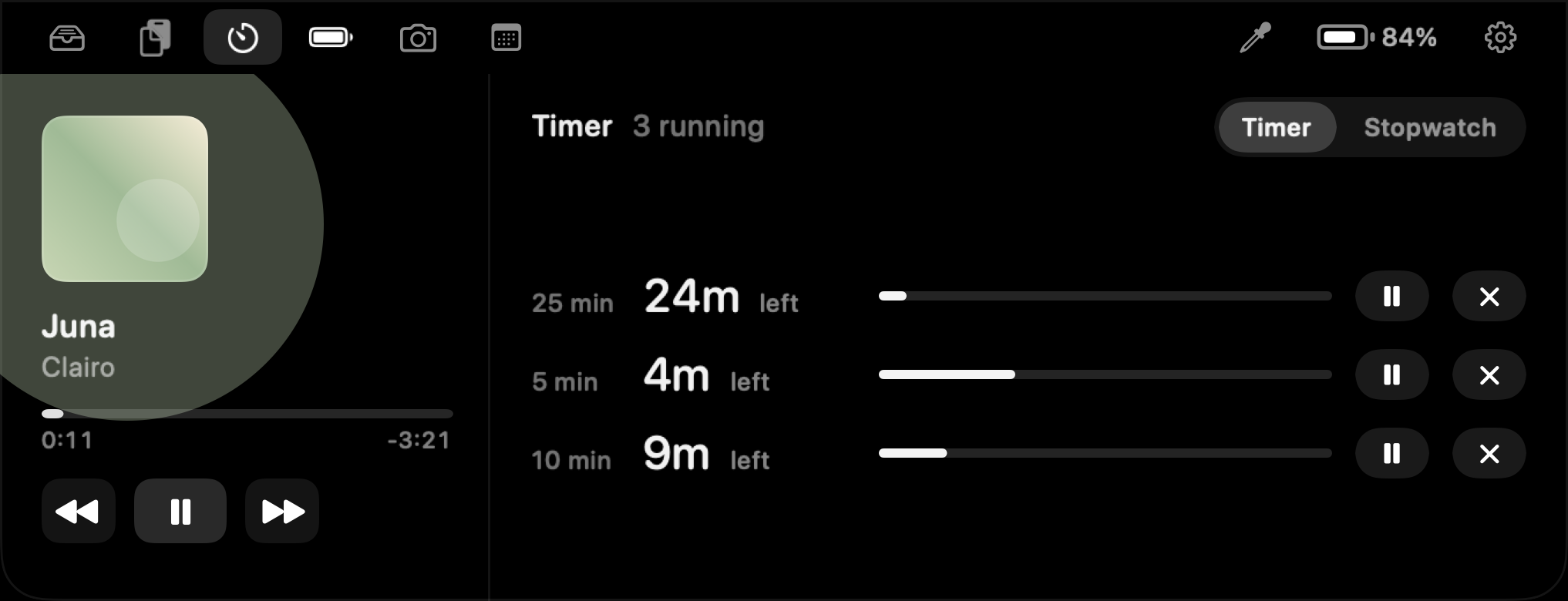
Control your music, keep files on the shelf and find something you copied without leaving what you're doing.
Switch individual features on or off. Disabled features stop running in the background.
The camera asks when you open it. Bluetooth, calendar and downloads start switched off and ask when enabled.
A short tour of the app. You choose which features stay on.
As of . View this version on GitHub.
I set one rule before writing any features, and enforced it in one place. Nothing runs unless something needs it. That means no checking on a timer when macOS can send an event instead, no input monitor left running, and no listening to your audio.
Read the engineering case study